Street parking
Street names, junctions, the side of the road, and your first walking direction matter most. Check local parking or towing signs as you go.
Parking recovery guide
Do not start by wandering. Check saved parking pins first, then use timestamps, photos, payments, and landmarks to reduce the search area before you walk it.
The platform steps were checked against the official Apple and Google help pages below; the recovery order was reviewed against Karto's current product behaviour.
First answer
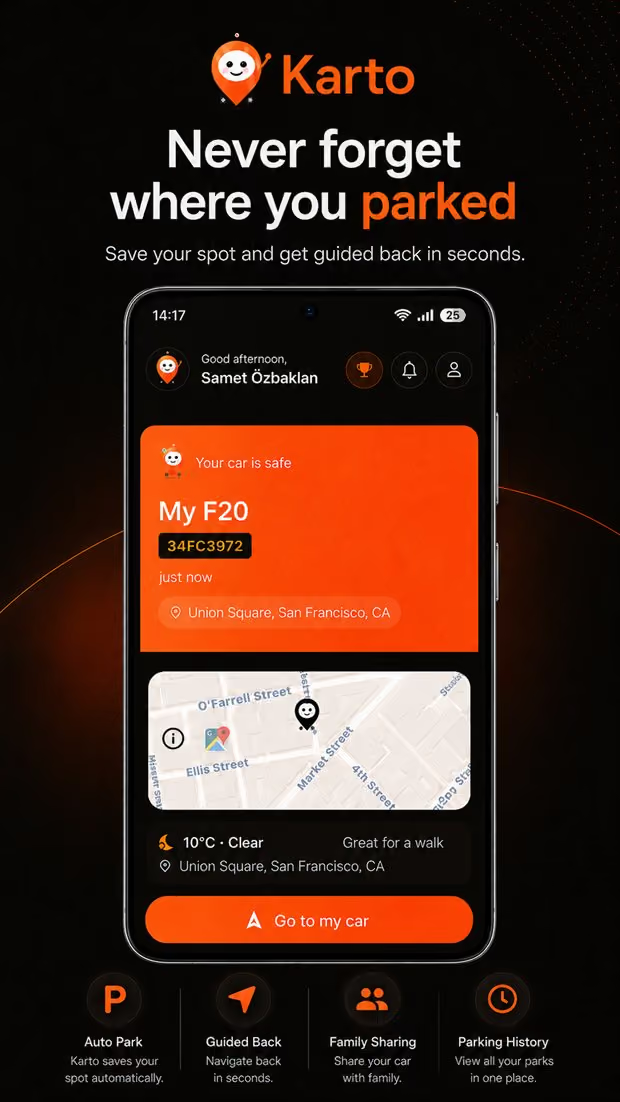
Open the parking app you normally use before retracing the whole trip. In Karto, look for the active parking record. In Google Maps, search for Saved parking or Parking location. In Apple Maps, search for Parked Car or choose it from Siri Suggestions.
If a marker exists, read the attached note, level, photo, or timestamp before starting directions. A pin can be several metres off, especially around tall buildings or inside a garage, so the extra clue may be more useful than the blue route line.
No saved pin
Check your calendar, the first message sent after parking, a store receipt, a parking payment, or a bank transaction. This gives you a time window instead of a vague memory.
The first photo after leaving the car may contain location metadata or a visible entrance. A message, shared location, or ride receipt can identify the side of the building you used.
Recall the first crossing, lift, shop, gate, or sign you saw. Work backward from that fixed landmark instead of guessing where the car should be.
On a street, expand one block at a time and check both sides separately. In a garage, confirm the level and block first, then scan rows in order.
At a mall, hospital, airport, or managed car park, give security the licence plate, vehicle description, and likely entry time. Do not enter restricted or unsafe areas alone.
Match the place
Street names, junctions, the side of the road, and your first walking direction matter most. Check local parking or towing signs as you go.
Return to large fixed references such as a numbered gate, lighting tower, stand, or row sign. Temporary vehicles and crowds are poor landmarks.
Treat GPS as an entrance-level hint. Floor, block, colour, lift core, pillar number, and payment zone are the useful coordinates indoors.
Next time
Sources
The platform steps were checked against the vendor sources below on the last update date.
Karto
Save the spot and the clues around it with Karto before you leave the car.